
To calculate a grade, divide the points you earned by the points possible and multiply by 100. That gives your percentage. If your class uses weighted categories, multiply each category average by its weight, add the results, and divide by the total weight. Then match the percentage to your school’s letter scale, where 90% and up is usually an A and 80% to 89.99% is a B.
Here is the whole process in five steps:
- Find out how your teacher grades: total points or weighted categories. The syllabus or online gradebook will say.
- Add up the points you earned and the points possible, either for the whole class or for each category.
- Divide earned by possible and multiply by 100 to get a percentage.
- For weighted classes, multiply each category percentage by its weight and add them up.
- Match the final percentage to your school’s letter scale, and round only at the end.
The same steps work whether you want to calculate your grade on one test or in a whole class. The rest of this guide follows one class from start to finish, so you can see how each method changes the answer.
Which Grading Method Does Your Class Use?
Most classes use one of two methods. The method matters, because the same scores can give different grades.
| Method | How to spot it | Formula |
|---|---|---|
| Total points | The syllabus lists points (for example, “Test 1: 100 points”) and no category percentages | Points earned ÷ points possible × 100 |
| Weighted categories | The syllabus says something like “Homework 20%, Quizzes 30%, Tests 50%” | Sum of (category % × weight) ÷ sum of weights |
In Canvas and many other online gradebooks, a weighted class shows the category weights next to your grades. If you see no weights, your class almost certainly uses total points.
The Example Class We Will Use
Maya is taking biology. Here are her graded assignments so far:
| Category | Scores | Points earned | Points possible | Category % |
|---|---|---|---|---|
| Homework | 5 assignments | 46 | 50 | 92% |
| Quizzes | 17, 16, 18 and 14 out of 20 | 65 | 80 | 81.25% |
| Tests | 41/50 and 79/100 | 120 | 150 | 80% |
| Total | 231 | 280 |
We will calculate her grade both ways.
How to Calculate Grades With Total Points
In a total points class, every point counts the same, no matter which assignment it came from. You add everything up and divide once.
Maya earned 231 points out of 280 possible.
231 ÷ 280 = 0.825, and 0.825 × 100 = 82.5%
That is her grade. Notice that the 100-point test moves her grade more than any quiz, simply because it holds more points. Our points grade calculator does this sum for you if you have a long list of scores.
How to Average Grades That Share the Same Total
If every score is out of the same total, such as four tests out of 100, you can simply average them. Scores of 88, 76, 93 and 81 add up to 338, and 338 ÷ 4 = 84.5%. When the totals differ, add the points instead. A plain average of percentages makes a 20-point quiz count as much as a 100-point test.
How to Calculate Grades With Weighted Categories
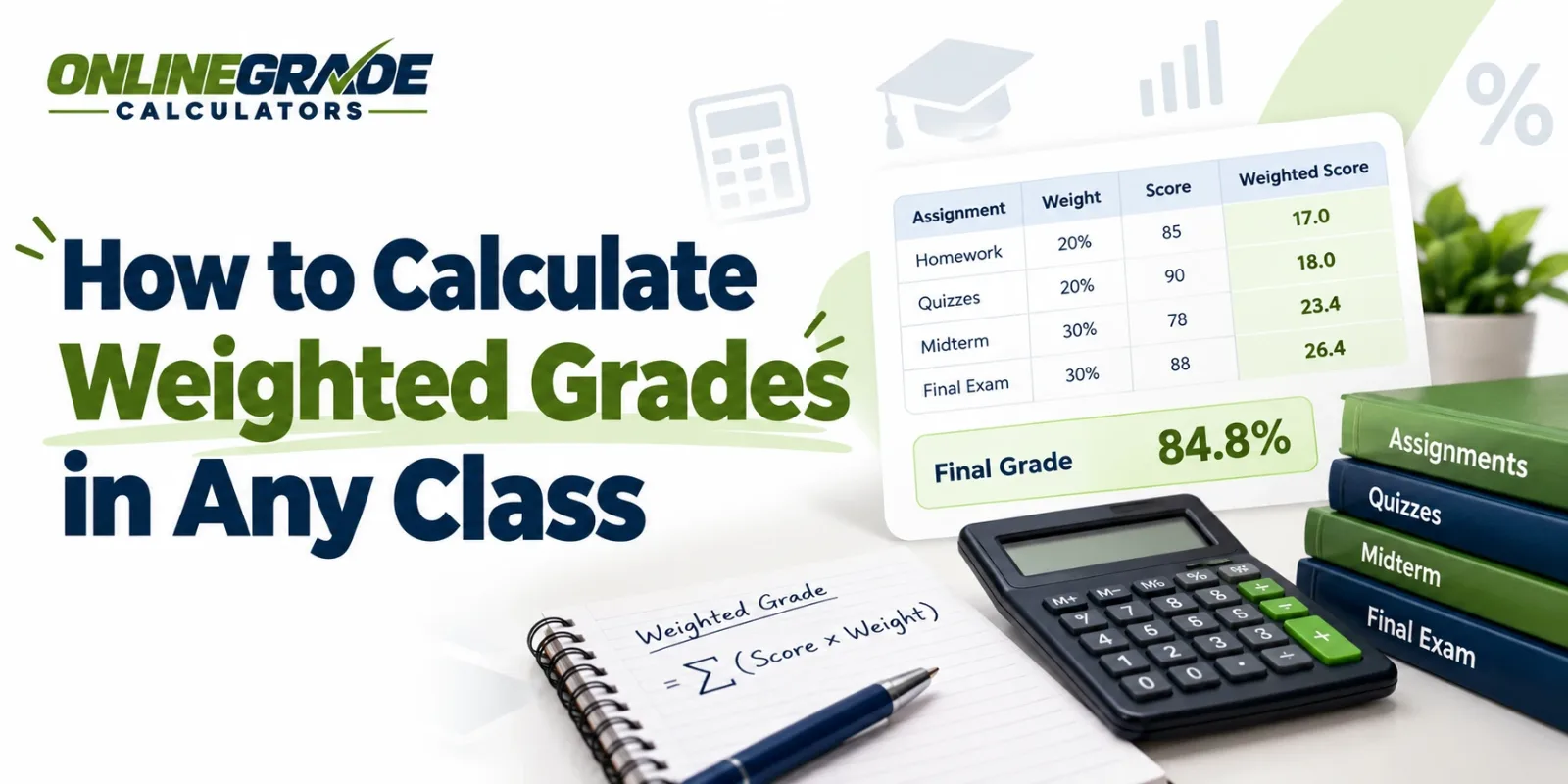
In a weighted class, each category controls a fixed share of the grade, however many points it contains. Say Maya’s teacher weights homework at 20%, quizzes at 30% and tests at 50%.
| Category | Category % | Weight | Category % × weight |
|---|---|---|---|
| Homework | 92% | 20% | 18.4 |
| Quizzes | 81.25% | 30% | 24.375 |
| Tests | 80% | 50% | 40.0 |
| Total | 100% | 82.775% |
The weights add up to 100%, so Maya’s grade is 82.775%, or 82.8% rounded to one decimal.
Her 92% homework average barely helps, because homework is only a fifth of the grade. If she raised her test average by 4 points, her class grade would rise by 2 points. Raising her homework by the same 4 points would add less than 1 point.
The weighted grade calculator runs these numbers for any set of categories. For more examples, including classes with five or six categories, read how to calculate weighted grades.
What If Some Categories Have No Grades Yet?
Early in the term, a category such as the final exam may still be empty. In that case, divide by the weights you have so far instead of by 100%.
If Maya had only homework and quizzes graded, her grade would be (18.4 + 24.375) ÷ 0.50 = 85.55%. Dividing by 1.00 instead would show 42.8%, which makes no sense. Canvas and many other gradebooks do the same and show your grade based only on the work graded so far.
A Common Mistake: Averaging the Category Averages
Some students add their three category percentages and divide by three. For Maya, that gives (92 + 81.25 + 80) ÷ 3 = 84.4%. It looks reasonable, but it treats homework as if it counts as much as tests. Her real grade is 82.8%, so the shortcut overstates it by 1.6 points.
How to Turn a Grade Percentage Into a Letter Grade
Once you have a percentage, the letter is a lookup on your school’s scale. Scales differ, and the same percentage can earn different letters. Here is what Maya’s 82.8% becomes on three common US scales:
| Scale | Range that contains 82.8% | Letter |
|---|---|---|
| Standard 10-point scale | 80 to 89.99 | B |
| Plus and minus scale | 80 to 82.99 | B- |
| 7-point scale | 77 to 84.99 | C |
On a 7-point scale, an A starts at 93 and a B at 85, so the same work earns a C. Always check the scale in your syllabus or student handbook. You can compare the most common versions side by side on the grading scale chart.
How to Calculate a Test Grade From the Number of Questions Wrong
Teachers grading a stack of quizzes often need a faster route. Subtract the questions wrong from the total, then divide by the total.
A student misses 4 questions on a 25-question test. That leaves 21 correct, and 21 ÷ 25 × 100 = 84%.
A handy shortcut: divide 100 by the number of questions to see what each question is worth. On a 25-question test, each question is worth 4 points, so 4 wrong answers cost 16 points. The easy grader for teachers does this for any test length, and the grade chart for a 20-question test lists every possible score on one page.
Why Your Grade Does Not Match the Gradebook
If your own math disagrees with the gradebook, one of these is usually the reason.
Missing work counts as zero. A missing assignment adds nothing to your earned points but still adds to the points possible. If Maya skips one 10-point homework, her homework drops from 46/50 to 46/60, or 76.7%. Her weighted grade falls from 82.8% to 79.7%, which turns a B- into a C+ on the plus and minus scale.
The teacher drops your lowest score. Some teachers drop the lowest quiz score. If Maya’s teacher drops her 14/20, her quiz average becomes 51/60 = 85%, and her class grade rises to 83.9%.
Extra credit adds to earned points only. In a points class, 5 bonus points raise Maya from 231/280 to 236/280, or 84.3%. Do not add those 5 points to the points possible as well.
Rounding rules differ. One teacher rounds 89.5% up to 90% and gives an A-. Another keeps 89.5% as a B+. Keep the full decimals in every step and round only at the end, the way your syllabus says.
The class uses the other method. Maya’s grade is 82.5% with total points and 82.8% with weights. If your number matches one method and not the other, you have found the method your teacher uses.
How to Calculate Grades in Excel or Google Sheets
A spreadsheet saves time if you track grades all term. Both formulas work the same way in Excel and Google Sheets.
Total points: put points earned in column B and points possible in column C, then use:
=SUM(B2:B10)/SUM(C2:C10)*100
Weighted categories: put each category percentage in column B and its weight in column C (for example 92 and 20), then use:
=SUMPRODUCT(B2:B4,C2:C4)/SUM(C2:C4)
For Maya’s class, the weighted formula returns 82.775. Because it divides by the sum of the weights, it also handles categories that are still empty, as long as you leave their rows out.
What to Do Once You Know Your Grade
Your current grade is a starting point for planning. If a final exam is coming up, you can work out the score you need with this formula:
Score needed = (target grade − current grade × (1 − final weight)) ÷ final weight
Say Maya’s class adds a final exam worth 20% of the grade, and she wants an 85%. That gives (85 − 82.775 × 0.80) ÷ 0.20 = 93.9% on the final. The final grade calculator does this for any target. To combine two quarters or terms into one grade, use the semester grade calculator. And to turn your letter grades from every class into one number, see how to calculate GPA.
If you would rather skip the arithmetic, enter your scores in the calculator below. It shows your percentage and your letter grade.